Since this was written, Ads from URL has become an AI product photoshoot: realistic photos of your actual product in real places. Try it free
Prompt engineering
What 100 AI Image Renders Taught Us About Ad Prompts
· Updated · 7 min read · Ads from URL team
When we wrote this, Ads from URL generated ad creative from a product URL: it wrote copy, picked a layout, and rendered the image with our AI image model. We kept 25 layout templates for that step, and until then they had been reasoned prompts we’d never actually stress-tested — written the way you’d brief a photographer, not the way an image model actually reads text. Over a few days we rewrote all 25, rendered close to 100 test images to check the results, and kept notes on what broke and why. This is what we found.
One finding is worth leading with, because it’s the one that changed how we wrote every prompt after that: telling the model what to leave out of the image doesn’t suppress the artifact. Often it summons it.
Say what you want, not what you don’t
We had a prompt block appended to every ad template that spelled out a safe-area rule: keep the important content in the center 80% of the frame, following Google’s ad image guidance so overlaid text survives being cropped for different placements. It sounded harmless. It made things worse.
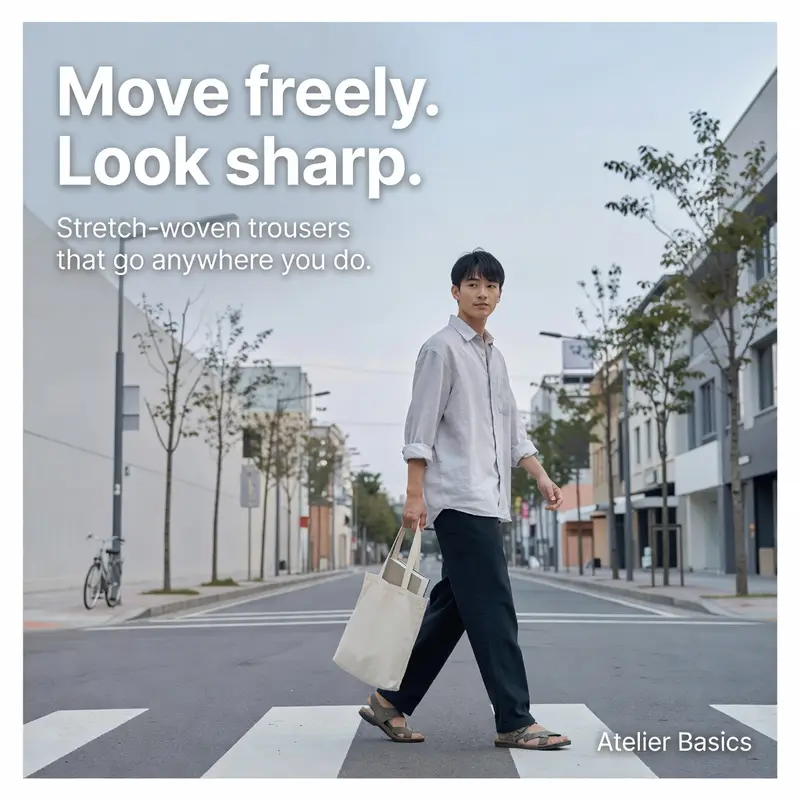
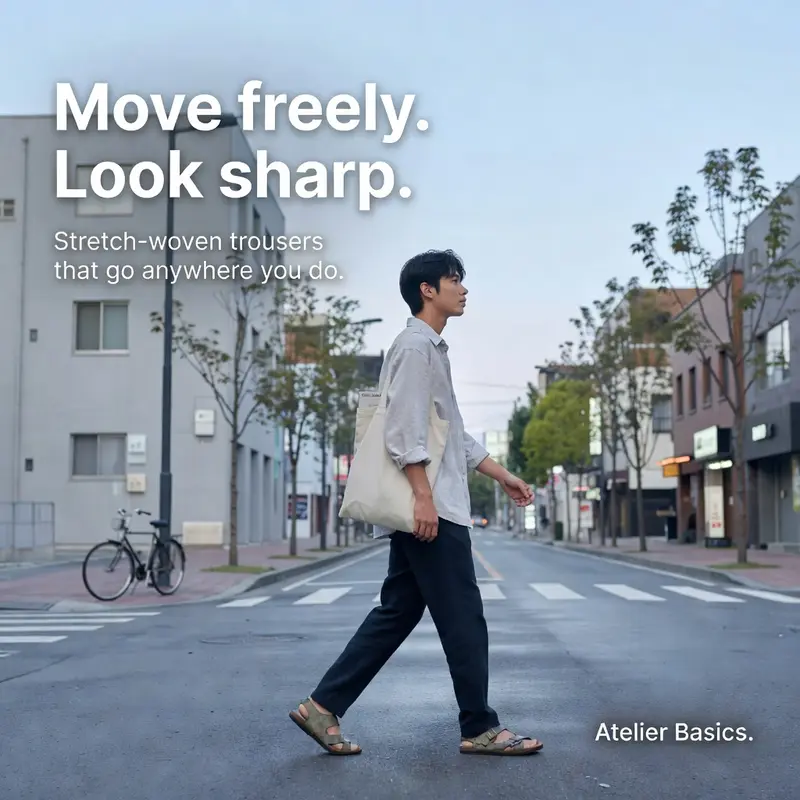
Renders started coming back with the whole photo matted inside a border, like a Polaroid. Not what anyone asked for. So we ran a controlled comparison, four renders per variant on two patterns. With no safe-area language at all, 0 of 4 renders were matted. Add the “keep content in the center 80%” sentence, and matting jumped to 2 of 4. Our first instinct was to fix that by naming the problem directly (“no border, no frame, no white margin”), and on a second pattern that took the matte rate from 1 of 2 renders to 4 of 4. Dropping the percentage but keeping the negation held at 4 of 4. The only change that actually fixed it was deleting every mention of border, frame, canvas, edge and margin from the prompt. That brought it back to 0 of 4.
Sample sizes here are small — a handful of renders per arm, and a repeat of the plain no-directive control did hit 1 of 4 on its own, so some matte risk is just baseline model variance. But the direction was consistent every time we tested it: describing the unwanted artifact, even to forbid it, raised the odds of getting it. The fix isn’t a stronger negation. It’s removing the concept from the prompt entirely and handling safe-area placement per pattern, as an instruction about where one element sits, never as a statement about the canvas.
The prompt you write isn’t the prompt that gets rendered
Part of why this matters more than it would with a typical LLM call: our image model rewrites the prompt before it generates anything, and the version it actually renders from is often noticeably different from what we sent. Instructions buried in the middle of a long prompt are the first casualty of that rewrite — they get compressed or dropped. The model vendor’s own prompting guidance is blunt about this: put your highest-priority instructions near the end, since that’s what survives.
So every one of our 25 templates ended with the same trailing block: exact-text rules for the headline, subtext, CTA and brand name, plus a legibility rule about contrast at thumbnail size. Deliberately, that block says nothing about frames or canvases — for the reason above.
Vague geometry gets reinterpreted; concrete setups don’t
A related trap showed up on a clothing-stack pattern. We needed to describe a seamless background with no visible table edge, without naming “edge” and triggering the same summoning effect. Our first attempt described an “infinity-curve backdrop,” accurate photography terminology, we thought. Across six renders, it produced a studio pedestal (a literal round table) in two of them. Abstract geometric language gave the model something to resolve into an object we never asked for.
The fix was to describe a real, concrete setup instead: a seamless paper backdrop roll running from tabletop to wall, the kind product photographers actually use. Three for three came back clean — no table edge, no pedestal, no visible seam. The lesson generalizes: the model does better with things a photographer could actually build than with geometric abstractions, even correct ones.
Reserve the space where the copy is going to land
The single change with the clearest visual payoff wasn’t a bug fix — it was deciding, for every pattern, exactly where the text would sit and writing the scene around that instead of overlaying text wherever a photo happened to have room.
On a fashion flat-lay pattern, the old prompt scattered products across the frame and let the headline land wherever it landed — in practice, straight across a leather handbag, dark text on dark leather, both harder to read. The new prompt explicitly pushed every object toward the perimeter and reserved the center as calm, open surface before the headline is ever mentioned.


A SaaS pattern got the same treatment: the laptop was placed deliberately low and to one side, so the opposite quadrant was reserved as dark, uninterrupted space before the headline copy is ever placed into it, instead of composing the scene first and hoping the text finds room.
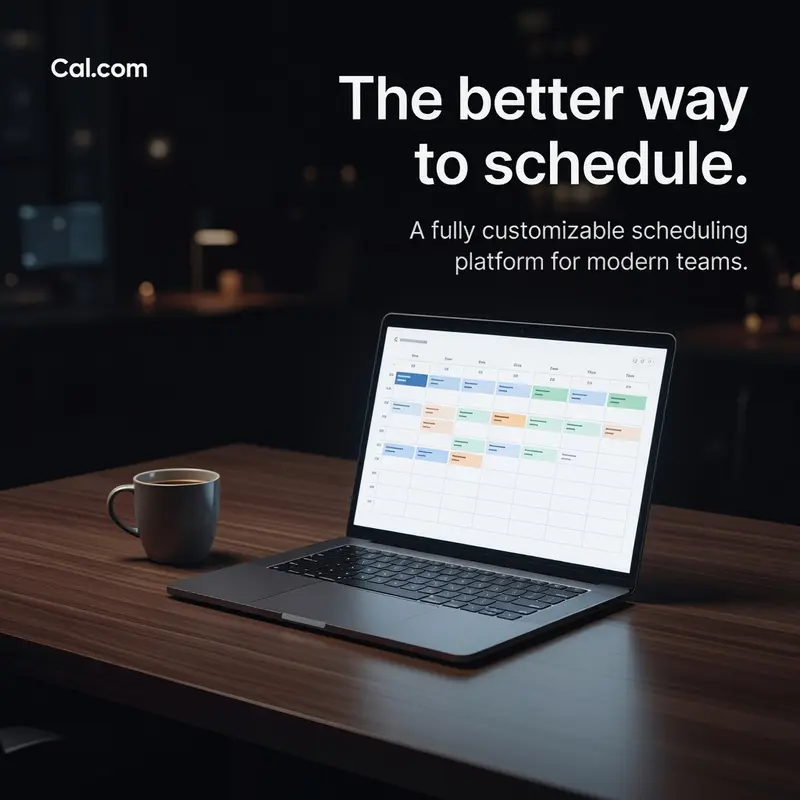
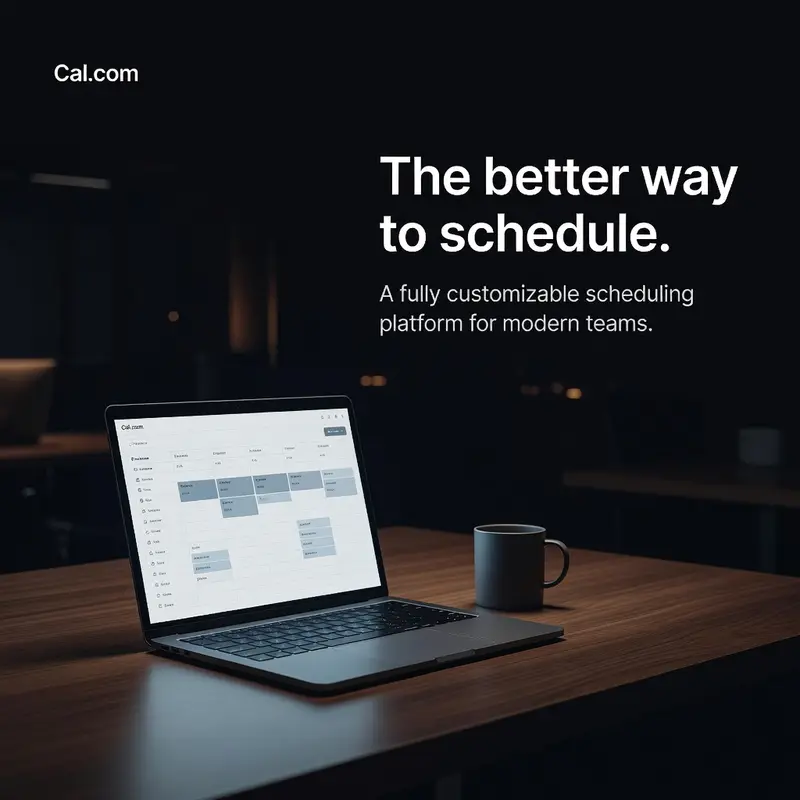
This is also just Google’s ad image guidance applied literally: keep what matters inside the frame’s central safe area, and don’t make legibility something the text has to fight for after the fact.
A fake screen is the loudest thing in the ad — and over-fixing it is its own failure mode
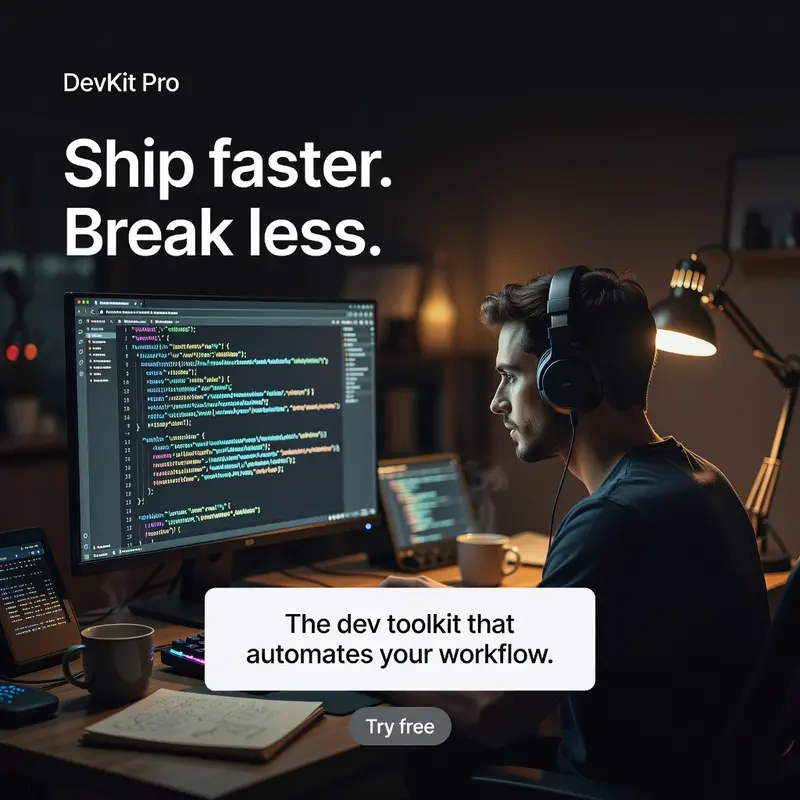
One of our early patterns put a monitor in frame, and the first version of the prompt just described a “coding interface” on it. The model rendered detailed, garbled, unmistakably fake code — sharp enough to draw the eye, wrong enough to look cheap. It was the most detailed thing in the shot, competing with the actual headline for attention.
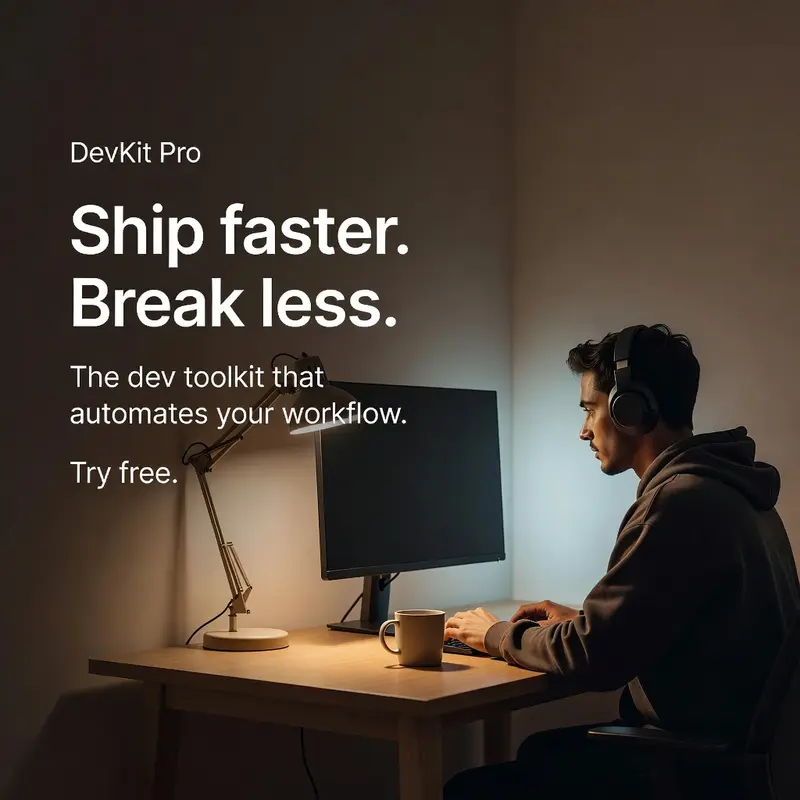
The first fix over-corrected. We turned the monitor away from camera and told the model to clear the desk of other devices. The fake code disappeared, but so did the room: the result was a stark, empty-feeling space — a desk and a monitor against a bare wall, with none of the lived-in warmth the pattern was supposed to have. Technically clean, visually worse.
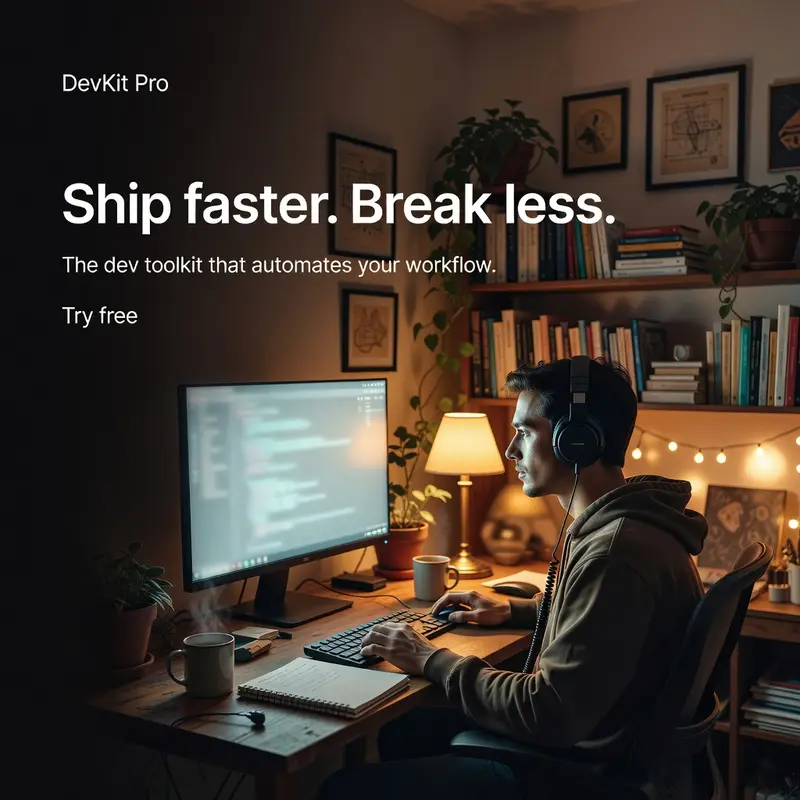
The version that actually worked kept the room furnished — shelves, books, a plant, warm lamp light — and handled the screen by turning it three-quarters away so only a soft glow crescent showed, with the screen’s face never pointed at the camera. No code to render badly, and no empty room either.
We hit a version of the same trap on a skincare-bottle pattern. The brand name was rendering twice — once printed on the bottle, once again as overlay text — so we tried blanking the label entirely and putting the name only in the overlay. That fixed the duplication, but the product now read as an unbranded, generic bottle, which is its own problem for a brand ad. The fix that stuck was a real printed label with the name on it, and nowhere else. Suppressing an artifact by deleting the element it lives on tends to trade one defect for another; the better fix is usually to make the element behave correctly, not to remove it.
What we grounded this in
None of this was invented from scratch. The safe-area thinking follows Google’s published guidance for ad image assets — keep meaningful content inside the frame’s center so it survives cropping across placements. The emphasis on the product and brand name being unambiguous, rather than incidental, follows the direction of Kantar and System1’s ad-effectiveness research, which consistently treats clear branding and a clear product shot as foundational to whether an ad works at all. We used that research to decide what to prioritize in each scene, not as a source of numbers to quote back.
What we didn’t measure
To be direct about the limits of this work: everything above is about render quality: whether text is legible, whether the product reads as branded, whether an artifact shows up. Not about ad performance. We have no click-through, no conversion, and no engagement data on any of these prompts, and we’re not claiming any. Sample sizes throughout were small, typically three to six renders per variant, which is enough to catch a prompt that’s clearly broken but not enough to call a difference statistically settled. Where we quote a rate above, treat it as directional: a reason to trust the direction of the change, not a benchmark.
What we can say is that the 25 templates at that point were the ones we’d actually looked at, rendered, and re-rendered against real output, and every fix in this post replaced an earlier version that we watched fail first.
What Ads from URL does now
The template catalog is gone. Ads from URL is now an AI product photoshoot: paste your product URL and get realistic photos of your actual product in real places, ready for ads.
Try it free