Product update
Why we stopped making ads and started photographing products
· 5 min read · Alexander Stoyanov
Ads from URL started as an ad generator. You pasted a product link, and it wrote copy, picked a layout pattern and rendered a finished ad with the headline on the image. This month I changed it into something different: an AI product photoshoot. Here is why.
What the old product was
The first version was built around patterns, a catalog of ad layouts. We spent weeks checking those patterns against what real advertisers run (the Meta audit covers that). The idea was reasonable: give people proven layouts and let them pick one.
What real users did
I watched session recordings of the first people who signed up. Most of them made one ad, looked at it for a moment and left. Very few tried a second pattern. That told me something uncomfortable. People had not run out of options. They just did not want a second image.
I had been treating this as a catalog problem, so I wanted more patterns and more choice. But a drop-off in the first minute is not a catalog problem. It was about the first image. Every pattern preview also shared the same layout, with the headline top left, the product on the right and a button at the bottom. It looked like the output of an AI ad tool, and people could tell.
It was a small, early group and I will not pretend otherwise. Some known bugs also sat right at the moment of value. But the direction was clear enough.
The insight: believable beats designed
Our own research kept pointing the same way. Across the ads we sampled, the ones that stay running look real, not designed. A single product, plainly shown, with nothing competing for attention. The market’s creative is closer to a product photo than a poster.
So the thing people needed was not a designed ad. It was a set of believable photos of their actual product, in places that make sense. A small shop usually has one or two phone photos and no budget for a photoshoot. That is the gap.
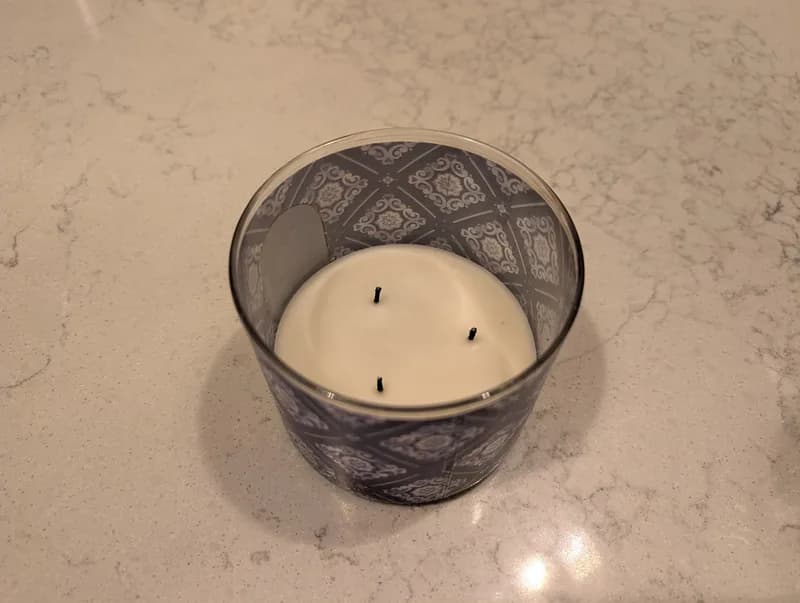
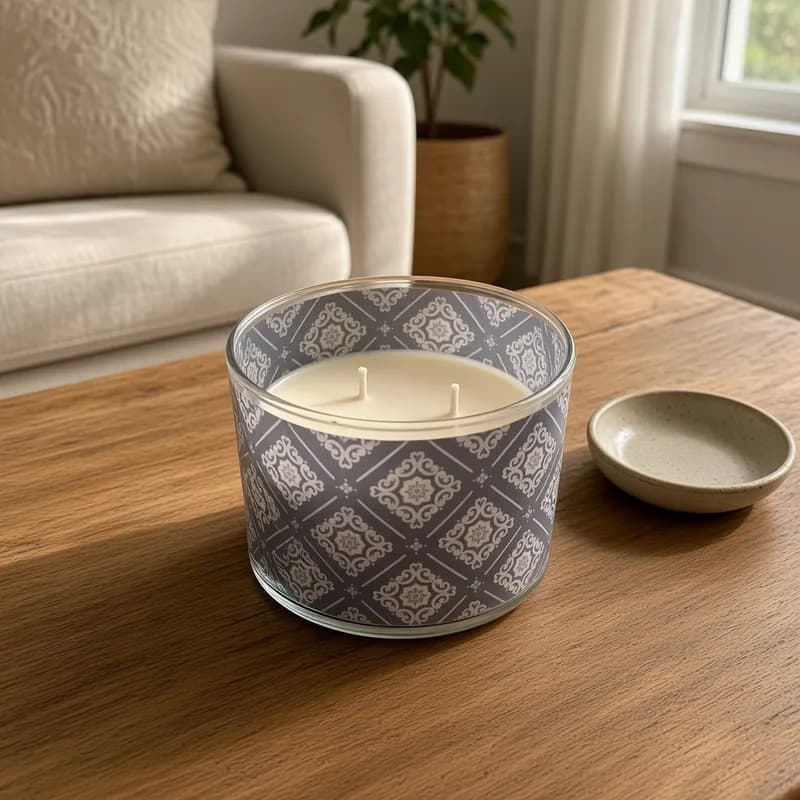
What we built
The new flow is simple. You paste a product URL or upload a photo from your phone, pick the picture you want us to work from, and confirm the product name. That is the whole setup. There is no pattern to choose, because people cannot know what they want before they see it.
Then the engine plans a shot list, the way a photographer would. For a batch it aims for a mix: the product set down in a natural place, a clean shot on a plain background, a close-up of the detail worth showing, the product in use, and a flat lay or a three-quarter view. Places come from common sense. A candle goes on a coffee table or a windowsill, not in a castle.
We also made some deliberate refusals. Apart from clothing, there are no hands or people in the shots, because real product ads rarely show them and a generated hand is the fastest way to look fake. We never invent a side of the product you did not show us, because our AI image model will happily make up a back that does not exist. And the product itself stays exactly as it is. If it has a label, the label is in the photo. If it does not, we do not add one.
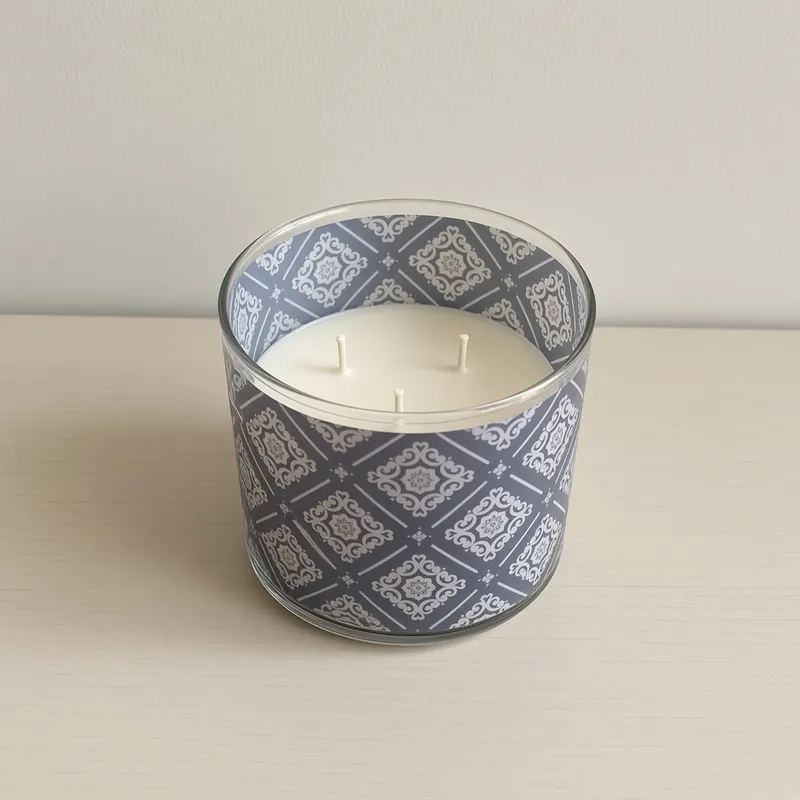
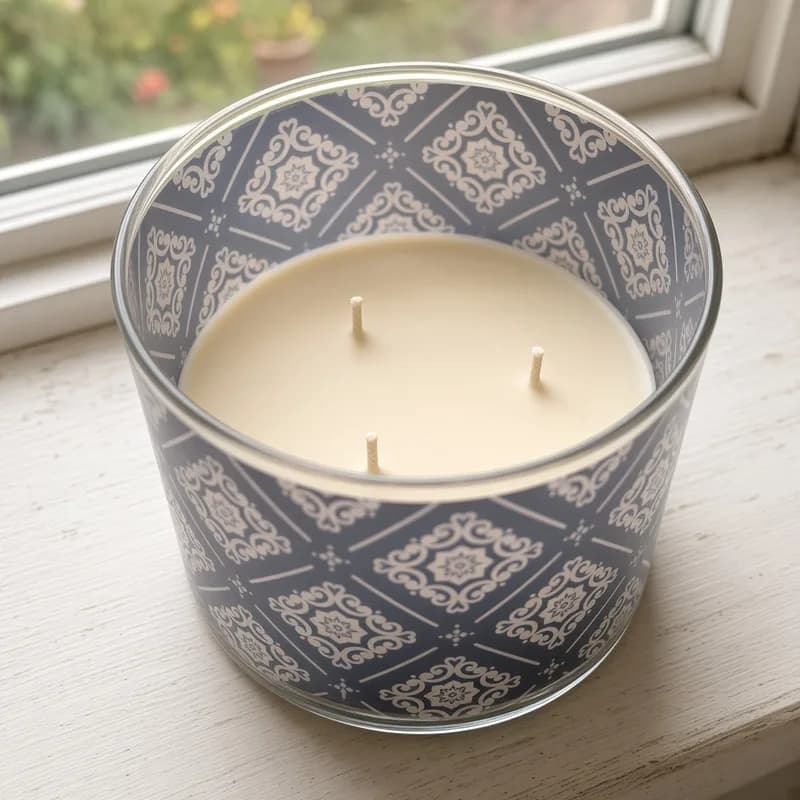
Each image has two follow-ups. “More like this” gives you new takes on the same shot. “Different place” moves the product somewhere else. A batch takes about a minute, and you can choose 1, 3, 5 or 10 photos. One credit makes one photo.
What we are still unsure about
There is a lot we have not proven. Different camera angles from a single photo are risky, because the model has to guess the sides it cannot see. Garments on a model are unproven too, so clothing is handled more carefully than anything else. I would rather ship the part that works and say so than promise everything.
What is next
We are watching which follow-ups people click, because that tells us what they actually want from a shoot. Better places for each kind of product come next, then angles, one risk at a time. If something looks wrong in your photos, tell me.
Photograph your own product
Paste a product URL or upload a phone photo. 3 free credits on sign-up, no card.
Try it free